A lot of HR teams first meet AI through a bad demo.
A tool writes a job description in seconds, answers a policy question, or promises to rank candidates automatically. It looks impressive until the real questions start. Where is the data stored? Who checks accuracy? Will this create more admin work for HR instead of less? And if your team already works across multiple systems, does adding AI just make the stack harder to manage?
That is the right place to start when thinking about how to use AI in HR. Not with novelty, but with pressure points. For most growing companies, the goal is not to add more technology. It is to remove repetitive work, improve consistency, and give HR more time for decisions that still need human judgment.
How to use AI in HR where it actually helps
The most effective AI use cases in HR are usually the least glamorous. They sit inside everyday workflows that consume hours each week: writing, answering, routing, checking, and following up. If your HR team is small, those hours matter.
Recruiting is often the easiest starting point. AI can help draft job descriptions, rewrite outreach messages, summarize interview notes, and create structured scorecards. That does not mean it should decide who gets hired. It means it can reduce the blank-page work and make hiring managers more consistent in how they document feedback.
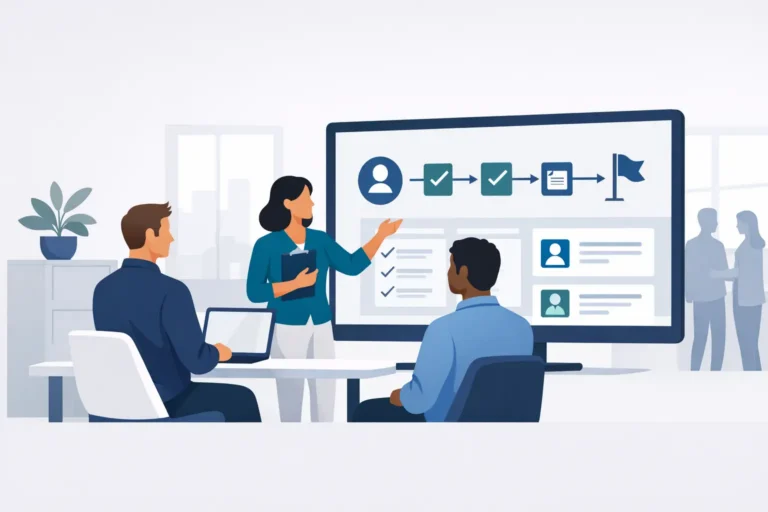
Onboarding is another strong fit. HR teams spend a surprising amount of time repeating the same instructions, collecting the same documents, and answering the same first-week questions. AI can generate role-based onboarding plans, draft welcome communications, and power internal Q&A so new hires get fast answers without filling an HR inbox.
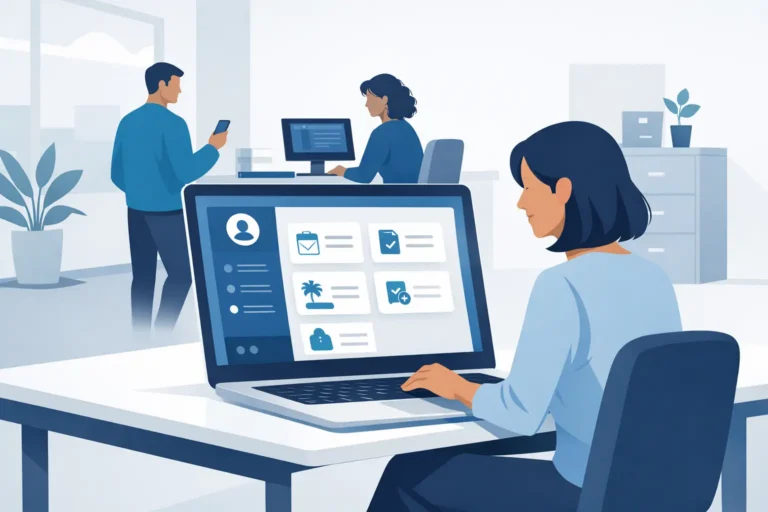
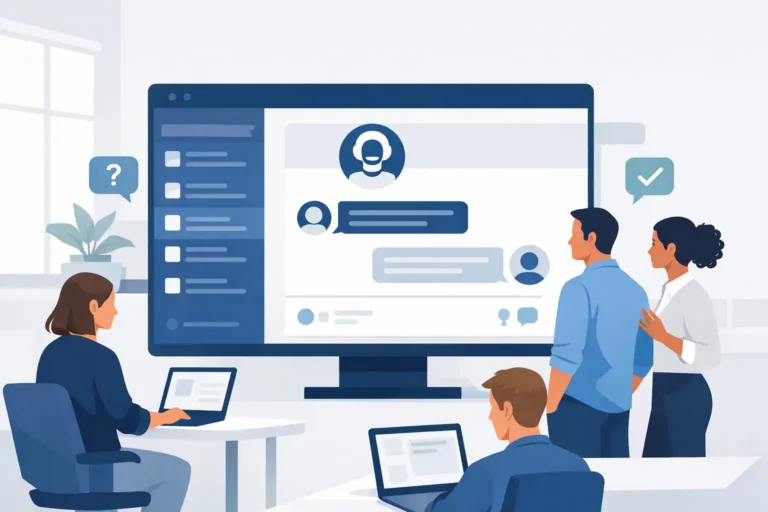
Employee support is where the time savings become visible. A good AI assistant can answer common HR questions about leave, policies, expenses, or review cycles, especially when the answer already exists somewhere in your documentation. The gain is not only speed. It is consistency. Employees get one version of the answer instead of three different interpretations from three different managers.
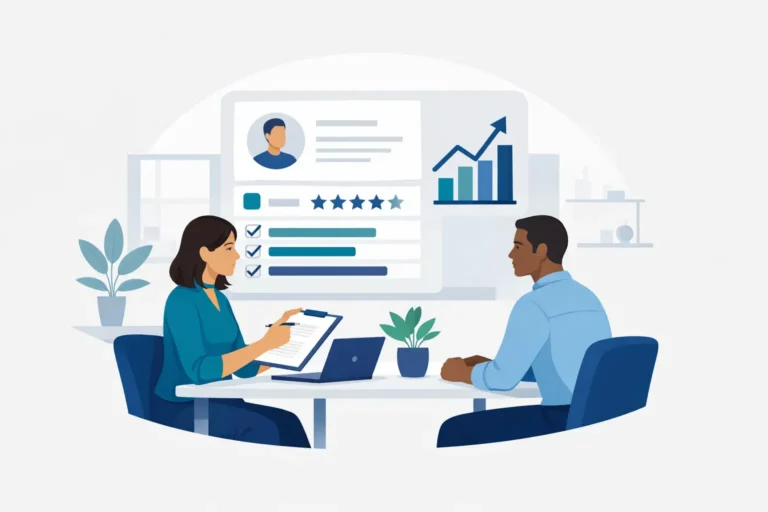
Performance and learning also benefit, but in a more careful way. AI can help draft review prompts, summarize themes from manager feedback, or suggest learning paths based on role and goals. It should not replace the manager conversation or generate performance judgments on its own. In people operations, convenience is useful, but over-automation can damage trust quickly.
Start with workflows, not tools
One of the most common mistakes in AI adoption is shopping for features before defining the problem. HR teams do not need “AI” as a category. They need a faster way to complete tasks without increasing compliance risk or losing control of employee data.
A better approach is to map your highest-friction workflows first. Look at where work gets stuck, duplicated, or delayed. That may be candidate communication, policy questions, onboarding admin, leave approvals, or manager nudges for reviews. Once you know where the friction is, you can decide whether AI should generate content, answer questions, classify information, or trigger the next step in a workflow.
This matters because not every HR process benefits equally from AI. If a task is rare, messy, and highly sensitive, automating it may create more exceptions than value. If a task is repetitive, rules-based, and already documented, AI is more likely to help.
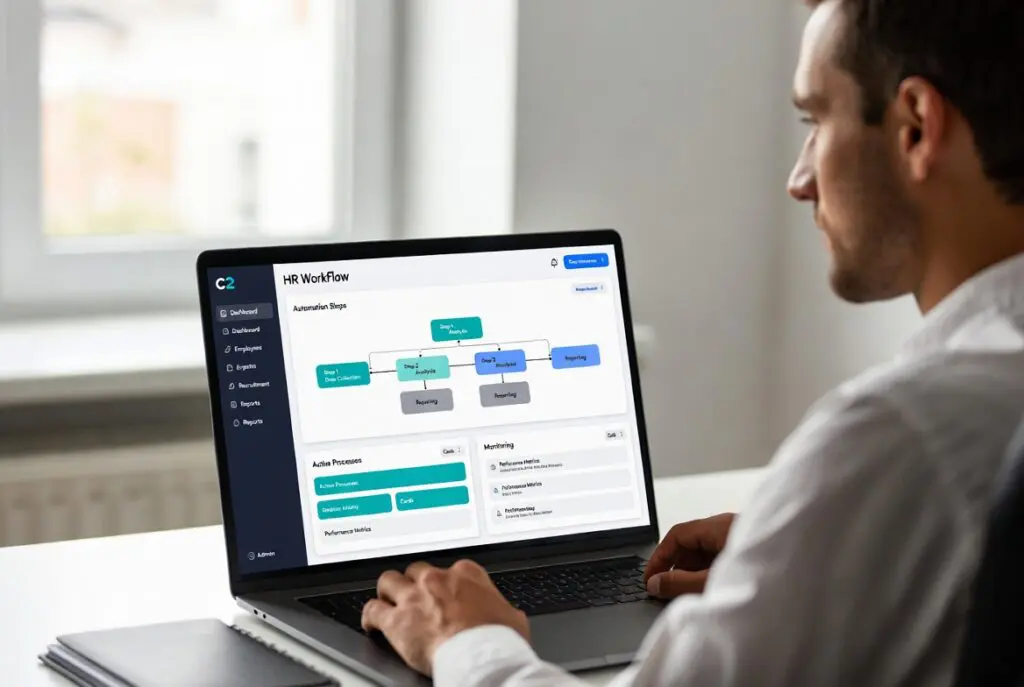
For many SMEs, the sweet spot is AI inside the HR system they already use, rather than another standalone tool. When AI sits in the same environment as recruiting, onboarding, attendance, leave, reviews, and documentation, it can support real workflows instead of creating another login and another data silo.
How to use AI in HR without creating risk
HR leaders are right to be cautious. AI can save time, but it can also introduce privacy issues, weak decisions, and avoidable legal exposure if implemented carelessly.
The first rule is simple: keep a human in the loop for decisions that affect people. AI can help draft, summarize, suggest, and route. It should not be the final decision-maker for hiring, promotion, compensation, or disciplinary action. Those are judgment-heavy processes with real consequences.
The second rule is data discipline. Before enabling any AI feature, ask what data it needs, where that data is processed, who can access it, and whether it stays within your preferred residency requirements. For European businesses especially, these questions are operational, not theoretical. HR data includes some of the most sensitive information in the company.
The third rule is controlled scope. Do not start by feeding every document and every employee record into a general-purpose assistant. Start with a narrower use case, such as policy Q&A based on approved HR documents, or content generation for job posts and onboarding emails. Narrow scope makes governance easier and errors easier to spot.
Bias is another area where realism matters. AI can reflect bias in training data, prompt design, or the historical patterns inside your own organization. That is why candidate screening and employee evaluation need extra care. If you use AI at any stage of those workflows, document the role it plays, review outputs regularly, and make sure managers understand that recommendations are not instructions.
The best first use cases for a small HR team
If your HR function has one to three people, you do not need a long AI roadmap. You need a short list of use cases that free up meaningful time.
Start with communication-heavy work. AI is useful when your team has to write the same thing repeatedly in slightly different formats. Job descriptions, interview invitations, onboarding emails, policy updates, review reminders, and internal announcements are all good examples. The time saved is real, and the risk is manageable because humans can review the output before sending it.
Next, look at HR Q&A. If your team is answering the same questions about leave balances, reimbursement rules, probation periods, or review timing, AI can reduce ticket volume by turning existing documentation into faster self-service. This works best when your policies are current and stored in one place.
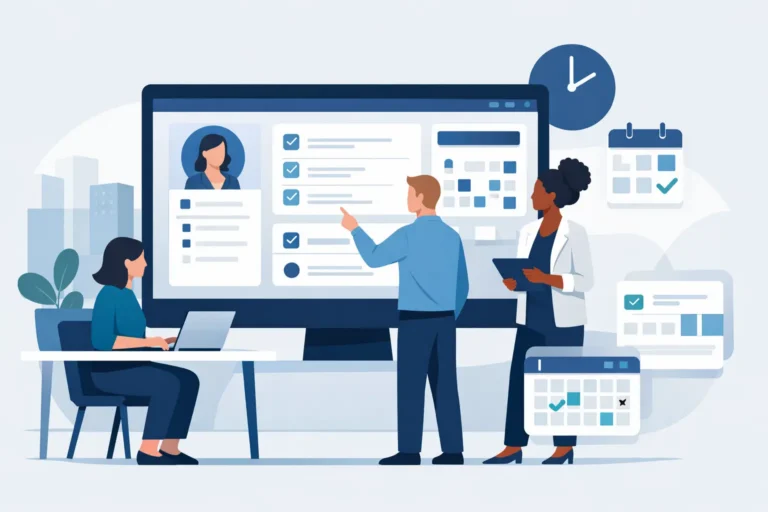
Then consider workflow automation. AI is not only about text generation. It can also help route requests, flag missing information, suggest next steps, or trigger reminders based on employee events. These improvements are less visible than a chatbot, but often more valuable because they cut process delays.
Finally, use AI to support managers. Many people managers are not HR experts, but they are responsible for interviews, onboarding, reviews, and employee conversations. Giving them AI-assisted templates, guidance, and policy-aware answers can raise quality across the organization without expanding the HR team.
What good implementation looks like
A useful AI rollout in HR is usually quiet. It does not begin with a company-wide announcement about transformation. It starts with a small, measurable problem and a clear owner.
Pick one workflow. Define what success looks like. That could be fewer HR tickets, faster job posting turnaround, better completion rates for onboarding tasks, or less time spent chasing managers for review input. Then test with a limited group, review output quality, and refine prompts, permissions, and approval steps before broadening access.
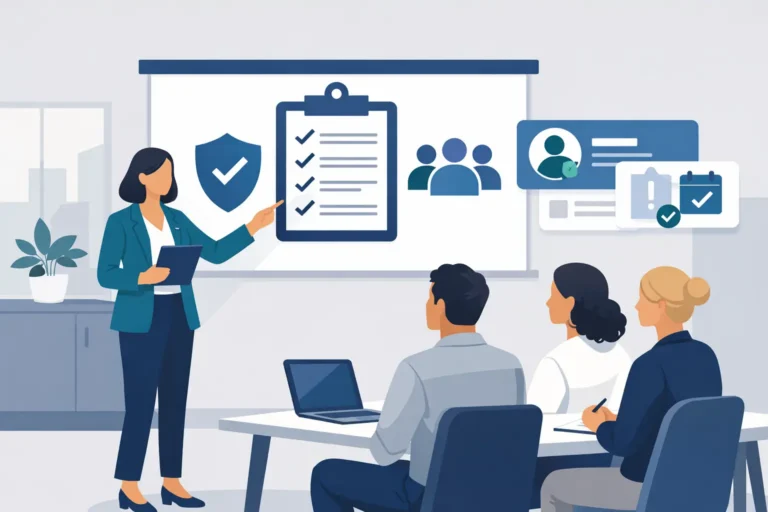
Training matters more than many vendors admit. HR teams and managers need to know what the AI is allowed to do, where it gets its answers, when they must review output, and what should never be entered into the tool. Good adoption depends on clarity, not enthusiasm.
It also helps to choose technology that respects the way HR actually operates. One platform with built-in AI is often easier to govern than multiple point solutions, especially if you care about data ownership, access control, and compliance. That is one reason platforms like Cognitis.cloud are gaining attention with growing SMEs: the value is not just AI itself, but AI inside a single HR environment where workflows, documents, and permissions already live together.
What AI will not fix
AI can speed up HR operations, but it will not repair a broken process by itself. If your policies are outdated, your managers are inconsistent, or your employee data is scattered across five systems, AI may simply make those problems move faster.
It also will not replace trust. Employees still want clarity on how decisions are made. Managers still need coaching. HR still needs judgment, discretion, and context. The strongest AI strategy in HR is not about removing people from the process. It is about removing unnecessary friction so people can focus on the parts of work that actually require them.
If you are deciding how to use AI in HR, start small, stay close to real workflows, and be strict about governance. The teams that get value fastest are usually the ones that treat AI as a practical assistant, not a shortcut to avoid thinking.