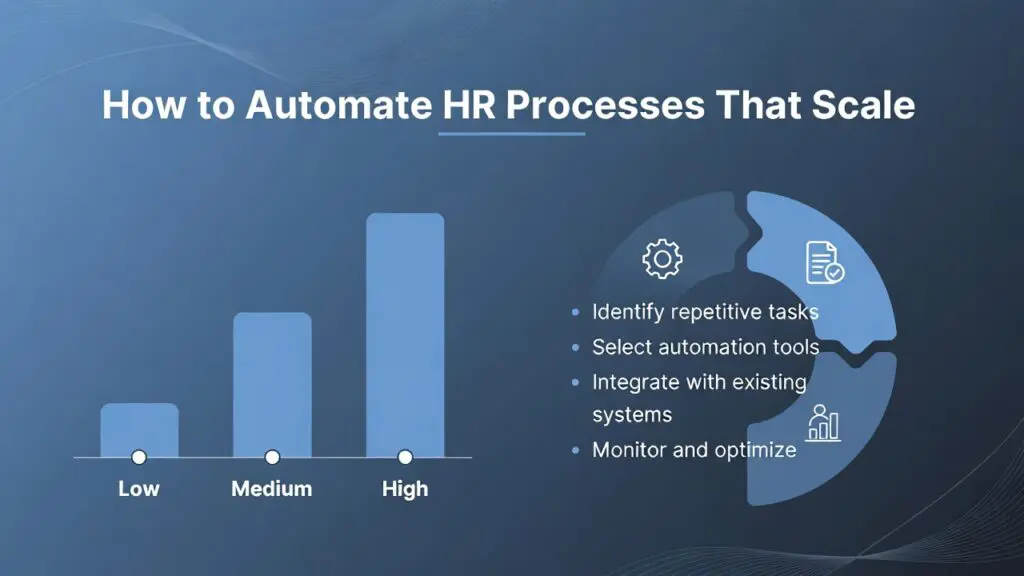
If your HR team is still copying candidate details between systems, chasing managers for approvals, and answering the same leave-policy questions every week, the issue is not effort. It is process design. Knowing how to automate HR processes starts with identifying where manual work creates delays, errors, and compliance risk, then replacing those points with structured workflows that actually fit the way your business operates.
For small and mid-sized companies, this matters more than ever. Growth puts pressure on HR long before headcount justifies a large team. A company with 50, 150, or 300 employees can easily end up running recruitment in one tool, employee data in spreadsheets, onboarding by email, and performance reviews in shared documents. That setup may feel manageable at first, but it creates friction everywhere. HR spends time on admin instead of people. Managers wait for information. Employees get inconsistent answers. Leadership loses visibility.
Automation fixes part of that problem, but only if you approach it practically.
What HR automation actually means
HR automation is not about removing people from HR. It is about removing repetitive, rules-based work from human hands so HR can focus on judgment, communication, and employee experience.
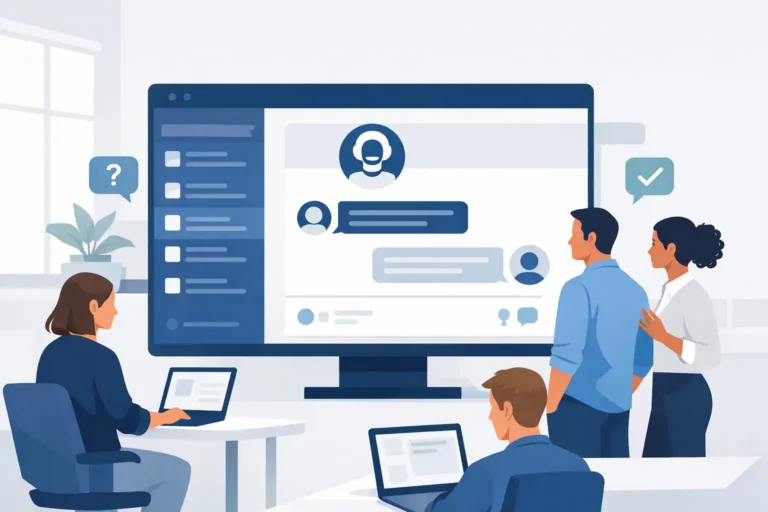
In practice, that usually means the system handles tasks such as sending offer documents, triggering onboarding checklists, updating employee records after a status change, routing leave requests to the right approver, reminding managers about performance reviews, and assigning mandatory training based on role or location.
The best automation is usually quiet. Employees get what they need faster. Managers stop chasing status updates. HR no longer has to act as the manual connection between disconnected tools.
How to automate HR processes without creating new complexity
The biggest mistake companies make is trying to automate everything at once. The second biggest is automating bad processes exactly as they are. If a workflow is unclear, inconsistent, or depends on tribal knowledge, software will not fix that on its own.
Start with the tasks that meet three conditions: they happen often, they follow clear rules, and mistakes are costly. That is where automation delivers quick returns.
For most SMEs, the strongest starting points are recruiting, onboarding, leave management, document handling, and routine employee support. These are high-volume areas where delays are visible and manual follow-up drains time every week.
Before selecting workflows, map what happens today. Who starts the task, who approves it, what information is needed, where it gets stored, and where it commonly breaks down. This gives you a realistic view of what should be automated, what should be simplified first, and what still needs a human decision.
The best processes to automate first
Recruitment is often the easiest place to see value. When applications come in through different channels and hiring managers respond in different ways, HR loses time and candidates get an uneven experience. Automation can centralize applications, trigger confirmation emails, move candidates through hiring stages, and schedule interview follow-ups. It will not choose the best candidate for you, but it will remove the admin that slows decisions down.
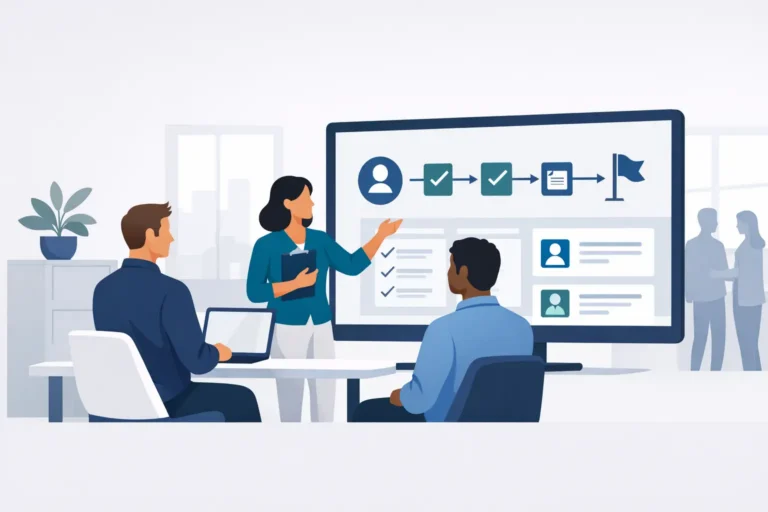
Onboarding is another high-impact area. New hires need contracts, policies, account setup, training assignments, introductions, and access to basic information. When this happens manually, steps get missed. Automation can assign tasks by role, location, or team, send reminders before start dates, collect documents, and make sure compliance training is completed on time. That reduces first-week confusion and lowers the risk of inconsistent onboarding across departments.
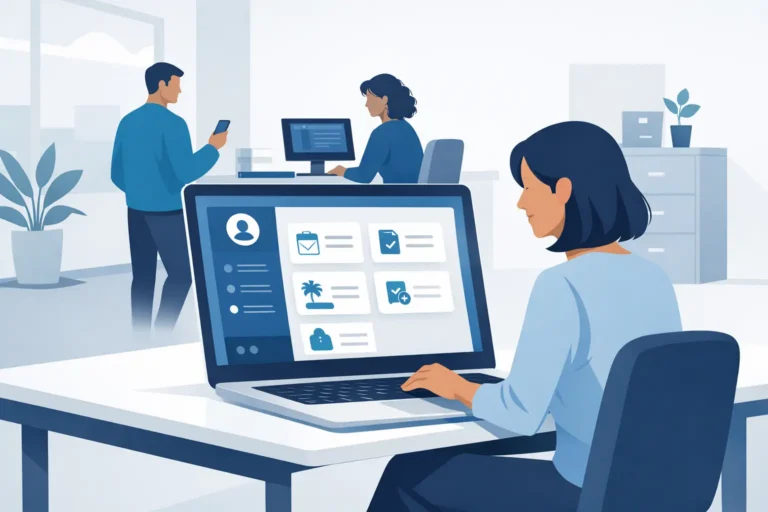
Leave and absence management is a frequent source of frustration in growing businesses. Employees ask HR for balances, managers approve requests by email, and payroll or staffing teams work from outdated information. Automating this process gives employees self-service access, routes requests correctly, applies policy rules consistently, and keeps records current.
Employee document management is less visible, but just as valuable. Contracts, policy acknowledgments, right-to-work records, certifications, and review documents are often scattered across folders and inboxes. Automation helps collect, store, update, and renew documents with proper permissions and audit trails.
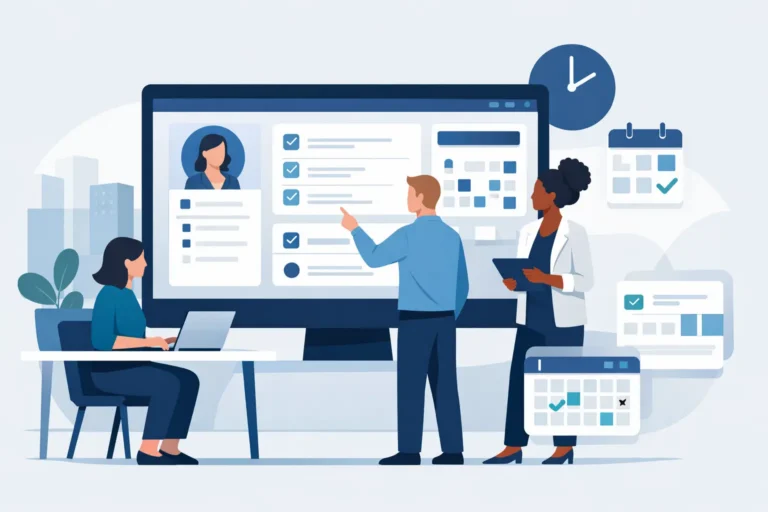
Performance and learning workflows also benefit from automation, especially once headcount grows. Review cycles, goal check-ins, probation reminders, and mandatory training assignments should not depend on HR remembering every deadline manually. These are repeatable processes with clear triggers, which makes them well suited for system-driven workflows.
Where human judgment still matters
A practical HR leader knows not everything should be automated.
Sensitive employee relations issues, compensation decisions, complex disciplinary matters, and nuanced hiring decisions still require context and judgment. Automation should support those processes with documentation, reminders, and approvals, but not replace the conversation itself.
This is where many companies overcorrect. They hear “AI-powered HR” and assume more automation is always better. It depends. If a workflow affects trust, fairness, or interpretation of policy, the system should guide the process, not make the final call.
Choosing the right HR system for automation
If your automation relies on multiple disconnected tools, the gains are usually limited. You may reduce one manual task while creating two more through exports, duplicate data entry, or patchwork integrations.
That is why platform design matters. A single HRIS that combines recruiting, onboarding, employee records, leave, performance, learning, and reporting creates better automation because the workflows share the same employee data. A candidate becomes a new hire without re-entering information. A role change can trigger new training requirements. An approved leave request updates the record in the same system.
For European SMEs, compliance and hosting should be part of the selection criteria, not an afterthought. If your business operates under GDPR expectations, your HR system needs strong access controls, clear data handling, and trustworthy hosting arrangements. Automation increases efficiency, but it also increases the speed at which poor data practices can spread. That makes governance even more important.
Cost matters too. Many businesses delay automation because they assume modern HR platforms are built for large enterprises with enterprise budgets. In reality, the right system for a 10 to 500 employee company should be affordable, straightforward to implement, and practical enough for daily use by HR, managers, and employees.
How to implement HR automation successfully
A good rollout is less about technical ambition and more about operational discipline.
Start with one or two workflows that are painful, repetitive, and measurable. Onboarding and leave management are common examples because the time savings are easy to prove. Set a clear baseline first. How many emails does HR send per new hire? How long does leave approval take? How often are documents missing? Without a baseline, it is hard to show value.
Then standardize the process before you automate it. Agree on approval steps, ownership, templates, and exceptions. If every department handles the same task differently, your system configuration will become messy fast.
Employee adoption also matters. Automation should reduce effort for end users, not create more clicks. If managers avoid the system or employees still ask HR for information they could access themselves, the workflow is not fully working. Training should be short, practical, and tied to the actual tasks people need to complete.
Finally, review workflows after launch. The first version is rarely the final one. You may find an approval step is unnecessary, a reminder cadence is too aggressive, or a policy exception needs to be built in. Good automation improves over time.
The business case for automating HR processes
The return on HR automation is not just fewer admin hours, though that alone can be significant. It also shows up in better compliance, cleaner data, faster hiring, more consistent onboarding, and fewer avoidable employee questions.
For leadership teams, that means HR becomes easier to scale without adding overhead at the same pace as headcount. For managers, it means less waiting and less ambiguity. For employees, it means a smoother experience with clearer processes.
That is the real value. Automation is not a feature checklist. It is a way to run HR with more control and less friction.
A platform like Cognitis.cloud (C2) fits this model well because it combines core HR processes, AI-assisted support, and European data hosting in one system designed for SMEs rather than enterprise complexity. The important point, though, is broader than any single platform: the more your HR processes live in one structured environment, the easier it becomes to automate them in a way that is useful, compliant, and sustainable.
If you are deciding where to begin, do not start with the flashiest use case. Start with the process your team repeats every week and quietly hates. That is usually where automation earns trust fastest.