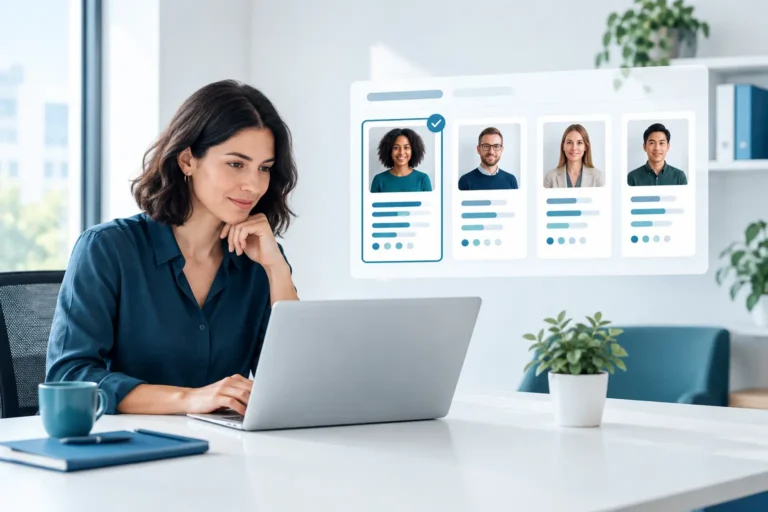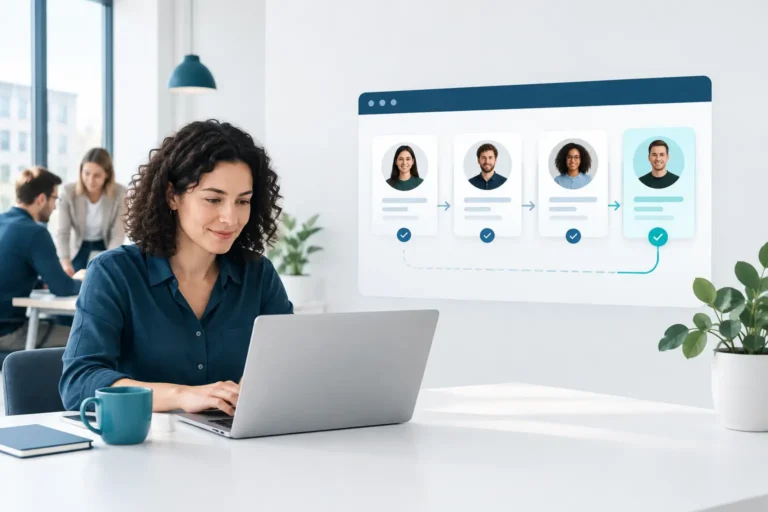
A new hire accepts the offer on Friday, starts in ten days, and HR still has to chase IT for laptop setup, payroll for tax forms, the manager for a 30-day plan, and legal for policy acknowledgment. That is exactly where employee onboarding workflow software earns its place. It turns a fragile chain of emails, spreadsheets, and reminders into a structured process that new hires can actually move through without friction.
For small and mid-sized companies, the issue is rarely a lack of effort. It is that onboarding touches too many people, too many systems, and too many deadlines. When HR is a team of one or two people, every manual handoff creates risk. A missed document can become a compliance issue. A delayed equipment request can stall productivity on day one. And a confusing first week can shape how a new employee feels about the company long before their first review.
What employee onboarding workflow software should actually solve
The best employee onboarding workflow software does more than digitize forms. It coordinates work across HR, hiring managers, IT, payroll, finance, and the employee. That distinction matters because onboarding is not one task. It is a sequence of dependent tasks, with deadlines, owners, approvals, and records attached.
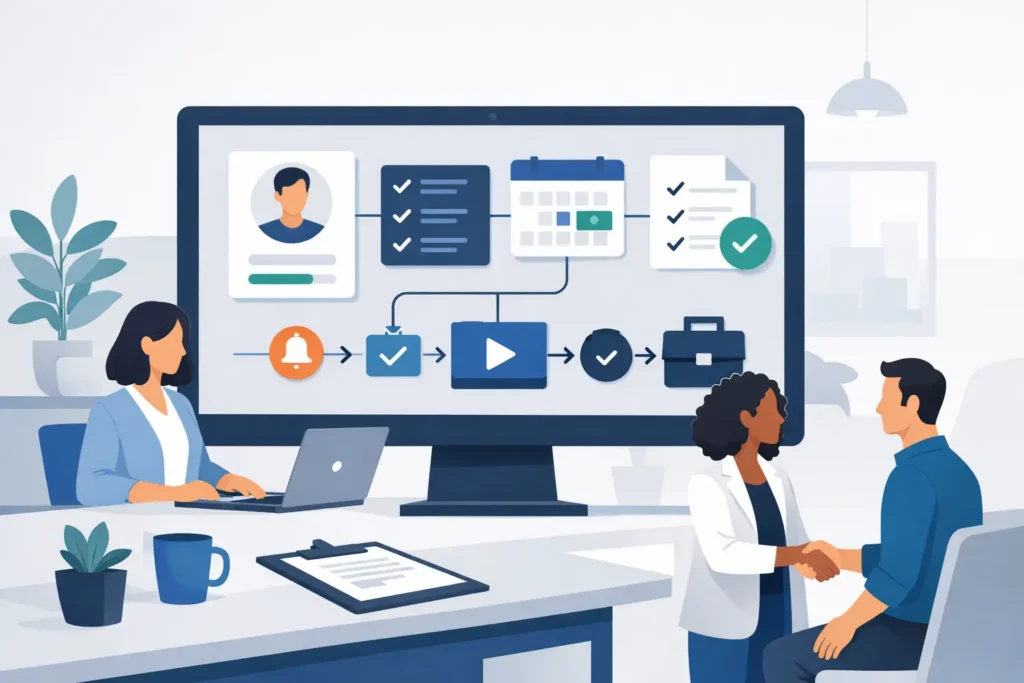
At a practical level, the software should help you create repeatable workflows for common scenarios – a full-time hire, a part-time hire, a remote employee, a manager, or a cross-border hire with extra compliance steps. Once those workflows exist, the system should trigger the right actions automatically. That might mean sending contracts for signature, assigning policy documents, provisioning accounts, requesting equipment, scheduling check-ins, or collecting banking and tax details.
Just as important, it should show you what is not done. Visibility is where many onboarding processes fail. HR thinks IT has been notified. The manager assumes HR handled training assignments. Payroll is waiting on documents no one realized were missing. Workflow software gives each person a shared view of progress, which cuts out the guesswork.
Why fragmented onboarding breaks down as you grow
A spreadsheet-based process can work when you hire once every few months and everyone sits in one office. It becomes shaky when headcount grows, locations multiply, or your team starts hiring across different legal and policy environments.
The real problem is not simply volume. It is inconsistency. One manager remembers to schedule a first-week check-in, another does not. One employee gets all documents before day one, another is still chasing access credentials by the end of week one. Inconsistent onboarding creates uneven employee experiences and hidden operational costs.
For European SMEs in particular, there is another layer. Employee data is sensitive, onboarding often includes regulated documents, and not every HR team is comfortable spreading that information across multiple disconnected vendors. If your onboarding process relies on one tool for recruiting, another for e-signatures, another for document storage, and a fourth for task tracking, every handoff creates a new point of exposure and a new place where data can go stale.
That is why many HR leaders start looking for workflow software only after something breaks. A missed probation review. An access issue on a new hire’s first day. A missing acknowledgment during an audit. The software is not just there to save time. It is there to reduce preventable mistakes.
What to look for in employee onboarding workflow software
There is no single best setup for every company, but the strongest platforms tend to share a few traits.
First, workflow flexibility matters more than a long feature list. If the system only supports one generic onboarding path, your team will end up working around it. You want conditional logic, role-based tasks, automated reminders, approval routing, and reusable templates. Those are the features that let HR standardize the process without forcing every hire into the same box.
Second, document management should be built into the flow, not bolted on. New hires need contracts, policy acknowledgments, identification requests, and payroll details in one clear sequence. HR needs those records stored properly and easy to retrieve later. If your workflow software sends employees out to separate tools for each step, completion rates and clarity usually suffer.
Third, manager participation should be simple. Many onboarding delays happen because line managers are busy, not because they do not care. Good software gives managers a small, clear set of assigned tasks with deadlines and reminders. It should be obvious what they own and what HR owns.
Fourth, reporting needs to be useful. You should be able to answer basic questions quickly: Which hires are not ready for day one? Which documents are missing? Where do delays happen most often? Which teams complete onboarding tasks on time? If reporting cannot answer those questions, the system is not giving you operational control.
Finally, think beyond onboarding alone. A lot of value comes from what happens after the first week. If onboarding workflows connect directly to time off, training, performance reviews, expenses, and employee records, HR spends less time duplicating data and fewer things fall through the cracks. For many growing teams, this is where an all-in-one HRIS becomes more practical than another point solution.
The trade-offs between standalone tools and all-in-one platforms
A standalone onboarding product can be a good fit if your hiring volume is high and onboarding is your main bottleneck. These tools sometimes offer deep specialization, especially around candidate-to-hire handoff or highly customized journey design.
But there is a trade-off. Specialized tools can add another layer to an already fragmented HR stack. If employee data has to move between recruiting, onboarding, HR records, payroll, learning, and performance tools, your team may gain workflow features while losing simplicity.
An all-in-one platform usually makes more sense when your HR team is small, your processes span multiple functions, and your priority is keeping operations manageable as you grow. Instead of stitching together five systems, you build one source of truth for employee data and use workflows inside that environment. That reduces duplicate entry, lowers the risk of mismatched records, and gives employees a more consistent experience.
This is also where infrastructure and data governance deserve attention. If you are handling sensitive employee records, it matters where the data sits, who controls it, and how isolated your environment is from other customers. Those are not abstract IT questions. They affect procurement, compliance reviews, and internal trust. Platforms like Cognitis.cloud are designed with that reality in mind, which is often more relevant to SME buyers than another long list of onboarding widgets.
Where AI helps and where it does not
AI can improve onboarding, but only in very specific ways. It is useful for generating policy summaries, drafting role-specific welcome content, answering common employee questions, and automating routine follow-ups. It can also help HR teams build workflows faster by suggesting steps, reminders, and templates.
What AI does not do is fix a poorly designed process. If task ownership is unclear, if approvals are inconsistent, or if your policies vary by manager with no documentation, adding AI will not solve the underlying issue. In some cases, it can even scale confusion faster.
The practical approach is to treat AI as a layer on top of a strong workflow foundation. Standardize the process first. Then use AI where it reduces repetitive work or improves clarity for employees.
How to evaluate employee onboarding workflow software without overbuying
Most HR teams do not need the most complex platform on the market. They need software that matches their operating model.
Start with your actual onboarding process, not the vendor demo. Map the stages from offer acceptance to the first 90 days. Note who owns each task, what systems are involved, where delays happen, and which steps differ by employee type or country. That will tell you whether you need deeper customization, stronger document control, better manager accountability, or tighter integration with the rest of HR.
Then assess usability honestly. If HR can configure workflows but managers avoid using the system, you will still be chasing tasks manually. If employees have to jump between tools to finish basic steps, completion will slip. Ease of use is not a soft criterion. It directly affects adoption.
Also look at implementation effort. Some platforms are powerful but heavy to roll out. That may be worth it for a large enterprise with dedicated HRIS staff. For a 150-person company with a lean people team, it often is not. The right system should improve control without creating a six-month project.
The strongest buying question is usually this: will this software reduce complexity across the whole employee lifecycle, or just move complexity into a new interface?
A good onboarding process should feel organized to HR, clear to managers, and reassuring to new hires. If your current setup relies on reminders, goodwill, and memory, software can help. But the real win is not automation for its own sake. It is giving your team a process they can trust every time someone joins.