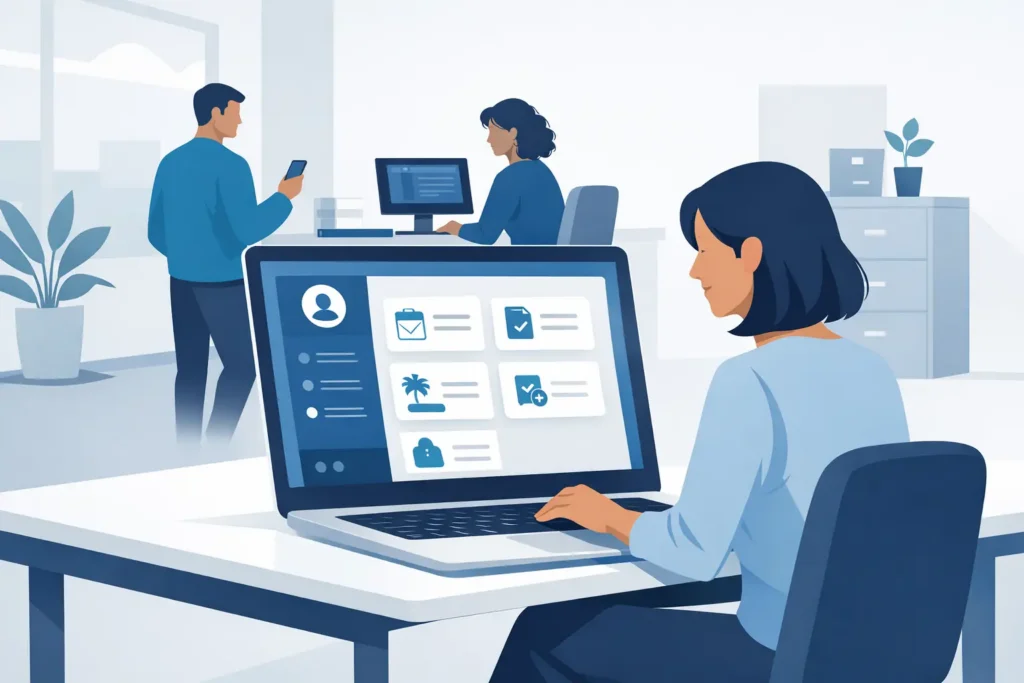
At 08:45, an HR manager is often answering the same questions that arrived yesterday: How many holiday days do I have left? Where is my payslip? Has my address change been approved? Each query is small. Together, they consume the time needed for hiring, supporting managers and keeping the organisation compliant. Knowing how to implement HR self service is not about moving every HR task to employees. It is about giving people safe, clear access to the actions and information they should manage themselves.
For a growing business, the goal is fewer avoidable HR tickets without creating a confusing portal that nobody trusts. That takes more than switching on a feature. It requires sensible scope, clean data, practical workflows and a launch process that respects how people actually work.
Start with the work employees already ask HR to do
The best starting point is your existing HR inbox, not a software demonstration. Review a few weeks of requests and identify repeatable transactions that involve standard rules rather than judgement. Leave balances, personal details, documents, expenses, timesheets and standard letters are usually strong candidates.
Separate these from requests that need a conversation or a formal review. A parental leave query may begin with a self-service request, for example, but it should not be reduced to a simple form submission. The same applies to grievances, workplace adjustments, performance concerns and sensitive personal circumstances.
This distinction prevents a common mistake: treating self service as a way to make HR less available. Good HR self service removes administrative friction so HR can be more present where expertise and judgement matter.
How to implement HR self service in stages
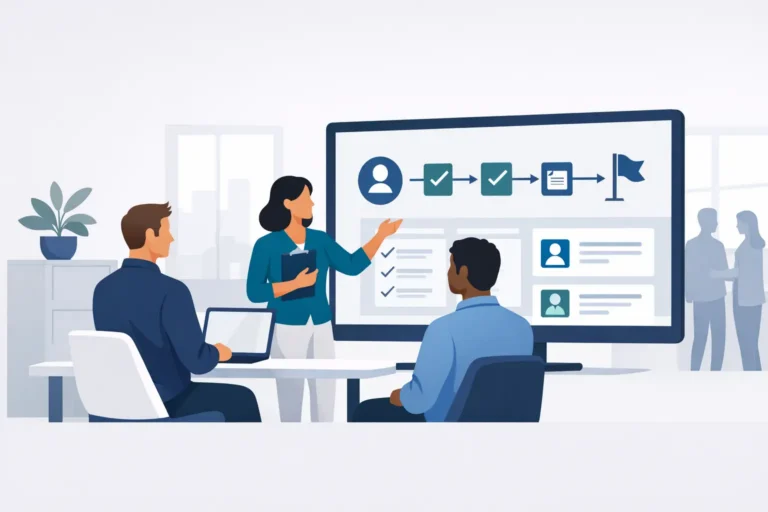
A phased rollout is usually safer than launching every available function at once. Start with one or two processes that are frequent, low risk and easy for employees to understand. Holiday requests and profile updates are often suitable first choices, provided approval rules and data fields are ready.
Use the first phase to test the full experience, not only the employee screen. Can a manager approve from a mobile device? Does the balance update correctly? Does payroll receive the right information? Can HR see where a request is stuck? If the answer is no, fix the workflow before expanding it.
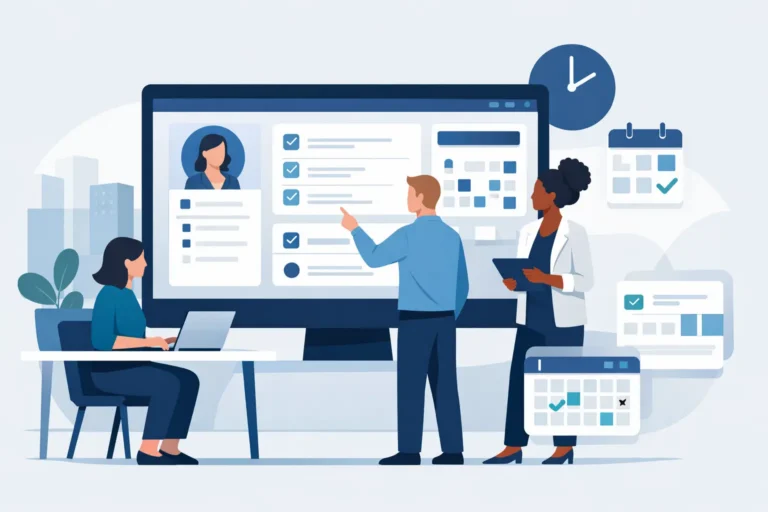
Once adoption is steady, add adjacent processes such as absence reporting, expense claims, timesheets, onboarding tasks or access to policies. The right order depends on where your team loses time. A company with hourly workers may prioritise time and attendance. A multi-country office-based business may gain more from standardising leave, employee records and document acknowledgements first.
Define ownership before building workflows
Every self-service process needs a named owner. In small businesses, that may be the HR manager, payroll lead or finance manager depending on the transaction. The owner decides which fields are required, who can approve, what happens when a request is rejected and when HR needs to intervene.
Avoid designing workflows around job titles alone. Consider practical exceptions. If a line manager is on leave, who approves their team’s requests? If an employee updates their bank details, is a second check needed before payroll uses them? If an expense exceeds a threshold, does finance review it after the manager approves it?
Write these decisions in plain language before configuring the platform. A visual process map can help, but a one-page set of rules is often enough for an SME. The key is that employees, managers and HR see the same logic. Hidden rules create support tickets and inconsistent decisions.
Put data quality and permissions ahead of convenience
Self service exposes the quality of your employee data very quickly. Employees cannot select the right manager if reporting lines are wrong. Leave calculations cannot be trusted if working patterns, carry-over rules or public holidays are incomplete. An onboarding workflow fails if the employee record is created too late.
Before launch, clean the data that supports the first workflows. Check names, work locations, contracts, working schedules, reporting lines and leave entitlements. Agree which information employees may edit directly and which changes require review. A home address may be appropriate for direct update, while contractual working hours should normally follow an approval process.
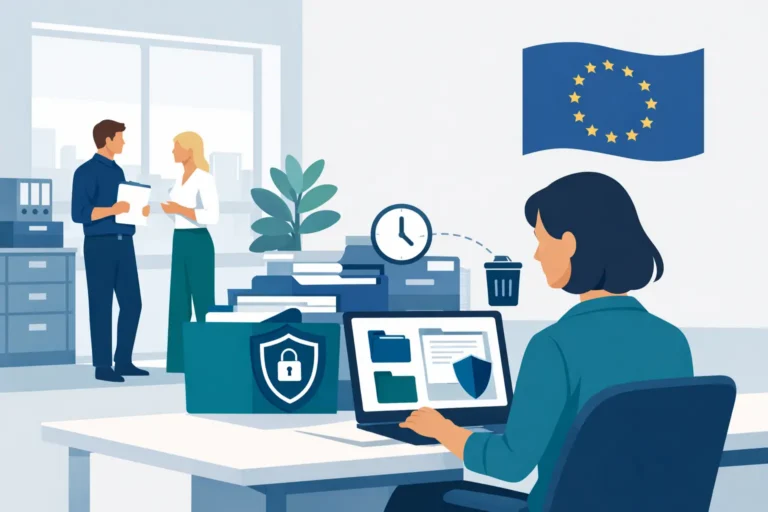
Permissions deserve the same care. Employees should see their own records, managers should see only the information needed to lead their teams and HR should have access aligned with their responsibilities. Sensitive data such as medical information, disciplinary records and diversity data requires tighter controls. For European employers, this is not simply good administration. It supports GDPR accountability and reduces unnecessary exposure of personal data.
Design for managers, not just employees
Manager adoption is often the point where an HR self-service project either delivers value or creates a new queue for HR. If managers do not understand what they are expected to approve, how quickly they should act or where to find pending tasks, requests will stall.
Give managers a short, scenario-based briefing. Show them how to approve leave, delegate approval during absence, review a timesheet and handle a request that needs a conversation instead of a quick click. Explain the reason behind the workflow, especially where it protects payroll accuracy, staffing cover or legal compliance.
Keep notifications useful. A reminder before a payroll cut-off is helpful. Daily alerts for minor actions are not. The right frequency depends on the process and the pace of the business, but every notification should prompt a clear next step.
Make the employee experience clear and specific
Employees will use self service when it feels easier than messaging HR. That means plain labels, straightforward instructions and no duplicate data entry. Replace internal HR terminology with language employees recognise. Say “Request holiday” rather than “Initiate absence transaction”.
Launch communications should answer practical questions: what employees can now do themselves, when the change takes effect, what still belongs with HR and where to get help. A short guide and a few real examples are often more effective than a long training session. Make sure new starters receive the same guidance as existing staff, otherwise adoption fades as the team grows.
It is also worth checking accessibility and device use. A desktop-only process may be fine for a professional services firm, but less suitable for frontline teams who rely on mobile access. Self service should match the working environment rather than forcing employees into an office-based routine.
Choose technology that supports your operating model
A self-service portal cannot compensate for fragmented HR operations. If employee data sits in one system, leave in another and expenses in a third, HR may still spend hours reconciling records and answering questions about conflicting information.
For SMEs, the practical advantage of an all-in-one HRIS is a shared employee record across recruiting, onboarding, leave, time, expenses, performance and learning. That reduces handovers and makes each self-service action more reliable. Cognitis.cloud, for example, is designed to bring these processes together in a dedicated EU-hosted environment, which may matter when data residency and controlled access are part of your selection criteria.
Do not select a system purely because it has the longest feature list. Ask whether its workflows reflect your approval structure, whether it can support country-specific rules as you grow and whether your team can administer it without specialist technical support. AI capabilities can help draft content, answer routine HR questions and automate defined steps, but they still need clear permissions, approved source information and human oversight.
Measure whether self service is reducing friction
Set a baseline before launch. Track the volume of recurring HR queries, the time from request to approval, the number of corrections before payroll and the proportion of employees completing key tasks. You do not need a complex dashboard. A small set of measures will show whether the process is improving.
Review feedback after the first month and again after a full business cycle, such as a payroll run or busy holiday period. Look for patterns rather than reacting to every individual preference. If employees abandon an expense claim halfway through, simplify the form. If approvals are late, review manager reminders or delegation rules. If HR is still manually re-entering data, the integration or workflow needs attention.
Self service works best when it is treated as an operating habit, not a one-off implementation. Start with the tasks people genuinely want to complete themselves, keep sensitive decisions with the right people and refine the experience as your organisation changes. When employees can trust the answer on screen and managers can act without chasing HR, the time returned to your team becomes available for work that deserves human attention.