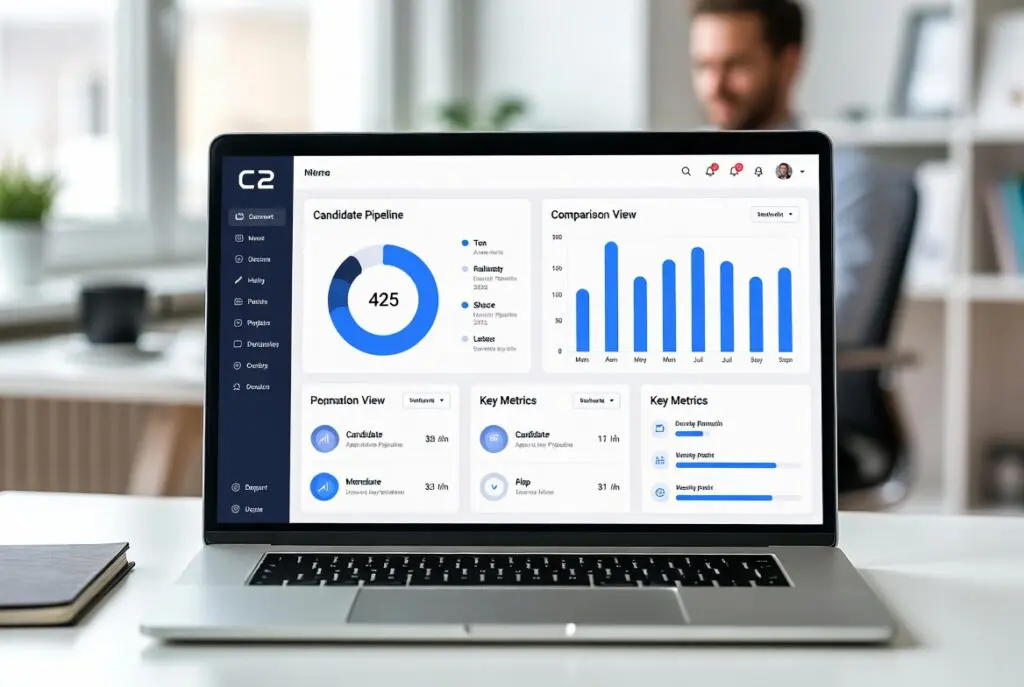
If your hiring process still lives across email, spreadsheets, calendar invites, and a careers page someone last updated six months ago, an ATS is not a nice-to-have anymore. The best recruiting applicant tracking systems do more than store resumes – they help small HR teams move faster, keep candidates informed, and avoid the mess that shows up when hiring scales before operations do.
For HR managers and people leads at growing companies, the challenge is rarely just sourcing more candidates. It is keeping the process consistent, collaborative, and compliant without adding another disconnected tool to the stack. That is why choosing an ATS should not start with feature volume. It should start with fit.
What the best recruiting applicant tracking systems actually solve
A good ATS gives structure to hiring. Requisitions are approved in one place, candidates move through defined stages, feedback is collected in a consistent format, and reporting stops depending on someone manually updating a spreadsheet. That is the baseline.
The better systems go further. They reduce back-and-forth scheduling, automate candidate communication, support interview scorecards, and give hiring managers visibility without forcing HR to chase updates. For lean teams, that matters more than long lists of advanced features they may never use.
There is also a practical operational benefit that often gets overlooked. Recruiting decisions create downstream work in onboarding, IT setup, payroll coordination, and compliance documentation. When your ATS sits apart from the rest of your HR processes, handoff friction becomes normal. Teams accept duplicate data entry as part of the job. It does not have to be.
How to evaluate an ATS without getting distracted by demos
Most ATS demos look polished. The real question is what happens in week eight, when three hiring managers use it differently, one recruiter is on vacation, and a candidate requests deletion of their data.
Start with workflow clarity. Can you set up hiring stages that match how your team actually works? If every opening follows a different path, the system should support flexibility without turning reporting into guesswork. Too much rigidity creates workarounds. Too much freedom creates chaos.
Next, look at hiring manager adoption. This is where many implementations stall. If interviewers cannot submit feedback quickly, or hiring managers need training for basic tasks, HR ends up carrying the whole process again. The right ATS should make occasional users effective, not just power users happy.
Automation deserves a closer look too. Automated emails, interview scheduling, reminders, and pipeline triggers can save real time. But more automation is not always better. Poorly configured workflows can make candidate communication feel impersonal or send the wrong message at the wrong stage. Look for control, not just volume.
Reporting is another area where trade-offs matter. Some systems offer deep analytics but require significant setup. Others keep reporting simple, which is often enough for teams that mainly need time-to-hire, source quality, pipeline conversion, and hiring manager responsiveness. Be honest about what your team will actually use.
Best recruiting applicant tracking systems: what to compare
When buyers compare the best recruiting applicant tracking systems, they usually begin with pricing and core features. That makes sense, but it is only part of the picture. A stronger comparison looks at five practical areas.
Ease of use
If your team has one recruiter and ten occasional hiring managers, usability is not a soft factor. It directly affects time-to-hire. Clean navigation, quick scorecards, intuitive scheduling, and simple job posting tools usually matter more than highly specialized configuration options.
Systems built for larger enterprises often look impressive in procurement but create overhead for smaller teams. If every change needs admin support or consulting hours, the true cost rises quickly.
Collaboration and process control
The best ATS platforms balance collaboration with structure. Hiring managers need visibility into candidates, interview plans, and feedback status. HR needs approval flows, standardized evaluation criteria, and auditability.
A system that allows everyone to comment freely but lacks scorecards can introduce bias and inconsistency. On the other hand, a system that is too controlled can slow decisions and frustrate managers. The right balance depends on your hiring volume and governance needs.
Candidate experience
Candidates notice delays, duplicate requests, and vague communication faster than most employers realize. An ATS should help you acknowledge applications quickly, schedule efficiently, and keep messaging consistent.
That does not mean candidates need a flashy portal. Often, a reliable process matters more than presentation. Clear updates, mobile-friendly applications, and fewer manual touchpoints usually have a bigger impact than cosmetic extras.
Compliance and data handling
For companies hiring across Europe or handling sensitive candidate data, compliance cannot be treated as a procurement checkbox. Data retention rules, consent management, user permissions, and hosting choices all deserve attention.
This is one reason all-in-one platforms can be attractive. If recruiting, onboarding, document workflows, and employee records connect inside one environment, the chain of custody is easier to manage than when data moves between multiple vendors. For European SMEs in particular, data residency and ownership are worth discussing early, not after legal review starts.
Integration versus consolidation
Some companies want a best-of-breed ATS that integrates with the rest of their stack. Others want recruiting inside a broader HR platform to reduce tool sprawl. Neither approach is automatically better.
If recruiting is complex and high volume, a specialized ATS may offer deeper capabilities. If your bigger problem is fragmented HR operations, consolidation may create more value overall. A platform such as Cognitis.cloud, for example, makes more sense when your team wants recruiting tied directly to onboarding, leave, performance, and compliance workflows instead of maintaining separate systems.
Which type of ATS fits which company
The market is crowded because hiring needs vary widely. A 50-person company hiring five roles a quarter has different priorities from a 400-person business expanding across multiple countries.
A startup or early growth company often benefits from an ATS that is simple to launch, easy for managers to use, and affordable at lower volumes. Heavy customization is usually less important than speed and consistency.
A mid-sized company with more formal approvals and a larger hiring manager group may need stronger permissions, better reporting, and clearer process governance. At that stage, the ATS becomes part of operating discipline, not just a recruiting tool.
For companies hiring in multiple countries, local compliance expectations, language support, and handoff into onboarding become more important. This is where disconnected systems start to show strain. The recruiting process may work, but the operational cost around it grows quietly.
Common buying mistakes
One of the most common mistakes is buying for sourcing when the real problem is process. If candidates are already coming in but decisions stall, your issue is not necessarily top-of-funnel volume. It may be interviewer accountability, approval delays, or poor stage design.
Another mistake is overbuying. Teams sometimes choose a platform designed for complex enterprise recruiting because they assume they will grow into it. Sometimes they do. Often they inherit configuration overhead, underused modules, and low adoption instead.
The opposite mistake is choosing purely on price. Low-cost ATS tools can be perfectly reasonable, but if reporting is weak, permissions are limited, or integrations break, HR pays for it in manual effort. The cheaper system becomes expensive in labor.
It is also worth watching for hidden fragmentation. An ATS may look cost-effective until you realize onboarding, offer letters, e-signatures, HR records, and compliance tasks all sit elsewhere. Then every hire creates duplicate admin work.
A practical shortlist framework
If you are building a shortlist, keep it narrow. Three to five vendors is usually enough. Evaluate them against the hiring volume you have now, the process discipline you want in twelve months, and the level of integration your team can realistically support.
Ask each vendor to show your actual workflow, not a generic demo. That means approvals, job posting, interviewer feedback, candidate communication, reporting, and what happens after offer acceptance. If they cannot show the handoff clearly, that is a signal.
Also involve the right people. HR should lead the evaluation, but hiring managers, IT, and anyone responsible for compliance or data protection should weigh in before the shortlist becomes a near-final decision. It saves time later.
Price should be discussed in context. A system that costs more but reduces admin across recruiting and onboarding may be the better financial decision. A cheaper ATS that creates handoff work may not be.
The best ATS is the one your team will actually use well
There is no universal winner in the best recruiting applicant tracking systems category. The right choice depends on hiring complexity, team size, compliance expectations, and whether you want a specialized recruiting tool or a broader HR platform.
For most growing teams, the smartest decision is not the platform with the longest feature list. It is the one that creates a clear hiring process, gets hiring managers to participate consistently, and fits cleanly into the rest of your HR operations.
When an ATS works, recruiting feels less like constant follow-up and more like a process your team can trust. That is usually the point where better hiring starts to look a lot more manageable.